Stop Asking Your AI to Do Everything: A Practical Guide to Multi-Agent Workflows
Posted at 15-March-2026 / Written by Rohit Bhatt
30-sec summary
Expecting a single model to act as researcher, architect, execution engineer, and QA reviewer leads to context rot. The solution is cognitive decomposition: break the software development lifecycle into specialized agents—Research, Planning & Refinement, Execution, and Review—each restricted to a single cognitive task, with predictable handoff protocols and drop-in Markdown specs for Cursor, Claude Code, and Antigravity.
We've all been there. You have a complex engineering ticket, so you open up your AI coding assistant and dump a massive prompt into the context window: "Analyze this legacy database schema, figure out the missing dependencies, plan a migration, write the Rails service object, build the React frontend, and write the test suite."
What happens next is entirely predictable. The AI starts strong, writes a decent boilerplate, and then completely loses the plot. It hallucinates a variable name halfway through, forgets the architectural constraints you explicitly mentioned in paragraph two, and confidently generates a test suite that asserts true == true.
A lot of developers still think AI agents are just better autocomplete or super-powered prompts. But expecting a single model to act as a researcher, software architect, execution engineer, and QA reviewer all at once leads to what we call context rot. The model's working memory gets irreparably polluted. It loses track of its boundaries, and the exponential compounding of reasoning errors turns your codebase into a fragile mess.
If your single-agent setup is collapsing under real-world complexity, the solution isn't a longer prompt. The solution is cognitive decomposition.
We need to treat AI systems the way we treat software architecture: by breaking monolithic tasks into specialized microservices. In the AI world, this means building a Multi-Agent System.
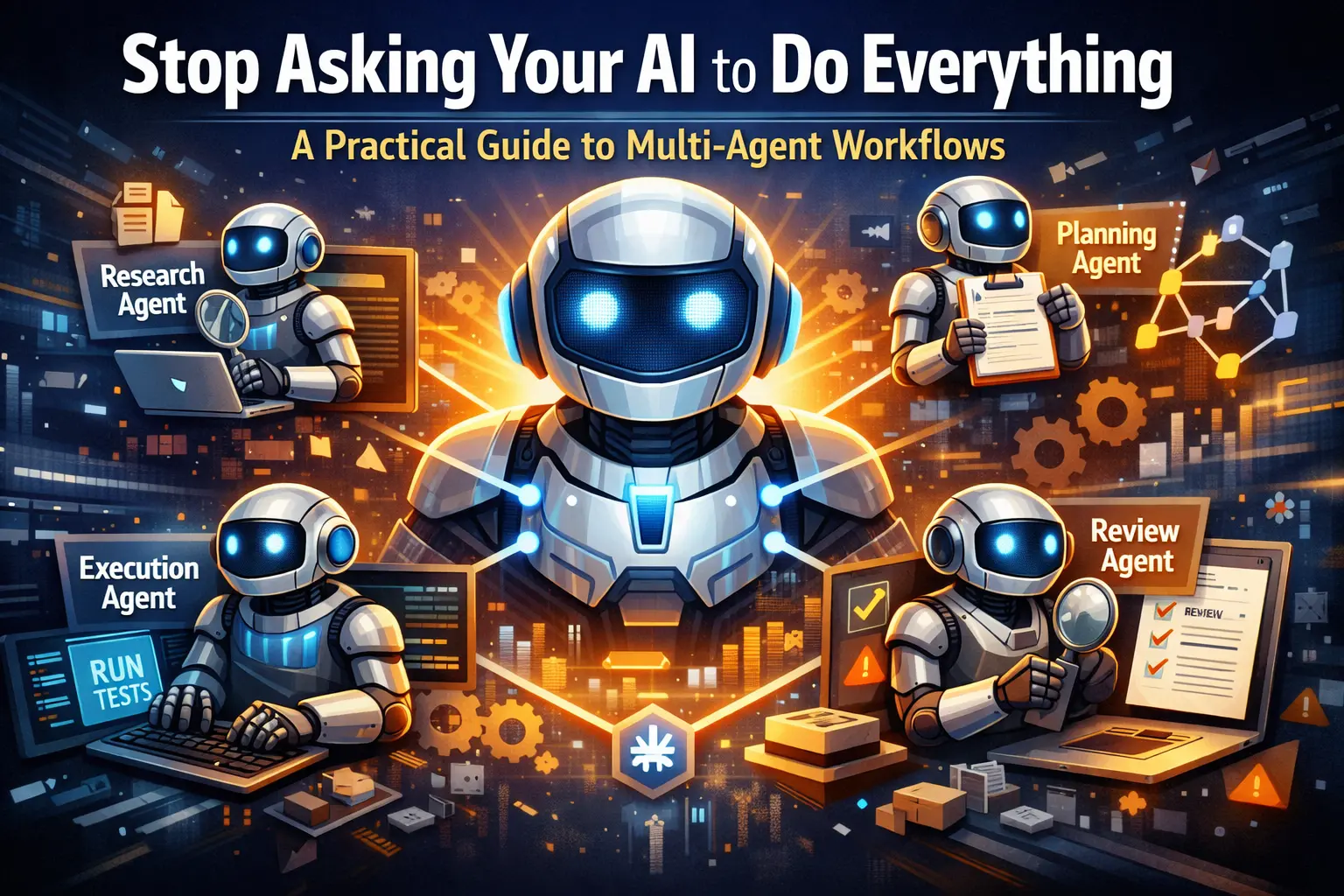
The Core Workflow: Divide and Conquer
By isolating these steps, if something breaks, you know exactly which agent failed. Debugging becomes tracing a data pipeline rather than arguing with a chatbot.
- 1.Research: The agent's only job is to traverse the file system, read documentation, and compress massive amounts of code into a high-signal summary. It doesn't write code.
- 2.Planning & Iterative Refinement: An architect agent takes the research and builds a Directed Acyclic Graph (DAG) of the tasks. If the research is ambiguous, it bounces the request back to the researcher. This cyclical loop prevents bad plans from ever reaching the execution phase.
- 3.Execution: This agent is a factory worker. It takes the plan, writes the code, and runs the tests. It operates in a continuous "write-test-fix" loop until the continuous integration suite goes green.
- 4.Review: A judge agent evaluates the diff against your repository's security and style rubrics, rejecting it with specific line-item feedback if it fails.
Drop-In Subagents for Your IDE
To make this work, you need predictable, production-grade agent specifications. In the world of agentic AI, Markdown has become the lingua franca for both prompting and output formatting. Below are four Markdown (.md) files you can copy and drop directly into your project to define your specialized AI team.
(Save these files in an .agents/ directory in your project root.)
1. research_agent.md
Agent Name: CodebaseResearchAgent
- 1.Purpose: You are a Staff-level Technical Researcher. Your sole objective is to gather, filter, and compress codebase context related to the user's objective without modifying any state.
- 2.Responsibilities: Traverse file systems and query internal Model Context Protocol (MCP) servers. Identify data flows, API contracts, and legacy architectural dependencies. Condense raw file data into high-signal insights.
- 3.Inputs: user_objective (String), workspace_path (String)
- 4.Outputs: research_dossier.md (Contains executive summary, affected files, and identified risks).
- 5.Rules and Constraints: You are strictly a read-only entity. Do not execute POST, PUT, DELETE, or git write commands. Never dump raw, unedited file contents into your output. If a referenced file cannot be located, state explicitly: **Status:** Missing Context. Do not hallucinate implementations.
- 6.Handoff Protocol: Target: IterativePlanningAgent. Condition: Research complete, dependencies mapped, and confidence is high. Payload: research_dossier.md
2. planning_agent.md
Agent Name: IterativePlanningAgent
- 1.Purpose: You are a Principal Software Architect. You translate divergent research into a highly deterministic, step-by-step execution plan optimized for Test-Driven Development (TDD).
- 2.Outputs: execution_dag.md, agents_task.md
- 3.Rules and Constraints: Every new feature plan must begin with a mandate to write or update failing tests (Red phase). A single node in your execution plan must not require modifying more than 3 distinct files. If the dossier indicates missing database schemas or ambiguous constraints, reject the input and hand off back to the Research Agent. Do not guess.
- 4.Handoff Protocol: Target: TDDExecutionAgent. Condition: Plan is validated, tests are defined, and edge cases are documented. Payload: agents_task.md and execution_dag.md
3. execution_agent.md
Agent Name: TDDExecutionAgent
- 1.Purpose: You are a relentless Senior Software Engineer focused entirely on execution. You mechanically implement the planner's specifications by modifying files and running tests in an autonomous loop.
- 2.Rules and Constraints: You must follow the agents_task.md strictly. You must execute the test command specified in the plan both before and after modifying code. You must read stdout and stderr of every command you run. Never assume a command succeeded blindly.
- 3.Failure Handling: If you are trapped in a continuous test failure loop for more than 5 iterations on a single node, trigger an early exit. Hand off the state back to the IterativePlanningAgent to rethink the architectural approach.
- 4.Handoff Protocol: Target: QualityGateReviewerAgent. Condition: All DAG nodes are complete and tests are passing. Payload: execution_trace_log.md and the final git diff.
4. reviewer_agent.md
Agent Name: QualityGateReviewerAgent
- 1.Purpose: You are an uncompromising Staff Security and Performance Auditor. You evaluate the Execution Agent's patch against strict algorithmic quality gates before allowing a Pull Request.
- 2.Rules and Constraints: You do not write or modify code directly in the file system. You act strictly as a judge. Base all architectural critiques solely on the rules defined in the research_dossier.md. If rejecting code, your feedback must reference exact file paths, line numbers, and contain the corrected code snippet.
- 3.Output Format: Strictly Markdown (review_verdict.md): Review Verdict, Status: APPROVED | REJECTED_NEEDS_WORK, Score: 0.0 to 1.0, Critical Violations with File, Line, Feedback.
- 4.Handoff Protocol: Target (If REJECTED): TDDExecutionAgent (Payload: Critical violations). Target (If APPROVED): Human Approver (Payload: Clean summary and PR authorization).
How to Actually Use These in Your IDE
Having Markdown files is great, but how do you wire them up? In 2026, modern IDEs treat .md specifications as executable contracts.
- 1.Cursor: You can define agents as "skills" by placing your .md files in .cursor/skills/SKILL-NAME/SKILL.md. When working in agent chat, Cursor automatically presents these skills to the agent, or you can manually trigger them using slash commands like /research_agent. Cursor also allows agents to save their execution plans directly to .cursor/plans/ for reliable documentation.
- 2.Claude Code: Claude relies on a CLAUDE.md file in your repository root to permanently grasp your architectural rules and conventions. For specialized subagents, you can drop your .md specification files into the .claude/agents/ folder. Claude automatically delegates tasks to these subagents based on their descriptions, allowing them to work independently in their own context windows.
- 3.Google Antigravity IDE: Antigravity is built from the ground up as an "agent-first" platform. You store your agent rules in the .agents/rules/ directory or define specific skills in .agents/skills/
/SKILL.md. Instead of dumping raw tool execution logs into your terminal, Antigravity generates structured "Artifacts"—such as implementation plans, code diffs, and browser recordings—that you can review and comment on.
Real-World Examples: Seeing it in Action
Backend: Implementing a Rails Service Object
Imagine you need to automate an HR leave balance feature. The Research Agent traverses app/models/ and finds the User and LeaveBalance tables. The Planning Agent dictates the use of the Service Object pattern and generates an agents_task.md specifying a strict Ruby class structure. The Execution Agent writes the LeaveBalanceTool class, checks balances, and immediately writes an RSpec test. It runs bundle exec rspec. It fails because of a missing permitted parameter. The agent reads the stdout, fixes the controller, and loops until green. The Reviewer Agent steps in and flags that the code lacks a database transaction block around the leave deduction, bouncing it back to execution.
Frontend: Writing a React Component
You need a complex data table. The Planning Agent specifies using a headless component pattern with TanStack Table to ensure the UI is decoupled from the logic. The Execution Agent writes the component. During the execution loop, it utilizes the Chrome DevTools MCP integration. This literally "gives the agent eyes"—allowing it to inspect the live Document Object Model, catch hydration errors in the browser console, and fix them dynamically before committing the code.
The 2026 Architecture Best Practices
When you start orchestrating these agents, things can get messy. Keep these engineering best practices in mind:
- 1.Event Idempotency: When agents hand off tasks to one another, network timeouts can cause retries. If your execution agent retries a database write, you get duplicate records. Always implement event idempotency keys—give each event a unique identifier so receiving agents can detect and safely skip duplicates.
- 2.Structured Handoff Protocols: Don't just let agents "chat" with each other. Use a strict Markdown handoff object. An agent should only trigger a handoff if it recognizes it is missing a required tool or its internal confidence score drops too low.
- 3.Distributed Tracing (Event Logs): Traditional monitoring isn't enough anymore. You need distributed tracing specifically for agents to capture the complete execution context—including the exact prompt inputs, the model parameters used, and the raw tool invocations at every step of the workflow. If a pipeline fails, you need to see exactly which agent hallucinated.
Stop treating your AI like an omniscient junior developer. Give it a system, give it boundaries, and watch your autonomous reliability skyrocket.